
Use the visit to test the map, not replace it
Drive Mode is intended to help buyers compare on-the-ground impressions with the location questions already defined in Kaveat.
It remains a gated workflow until stability, device behaviour, and safety guidance are verified.
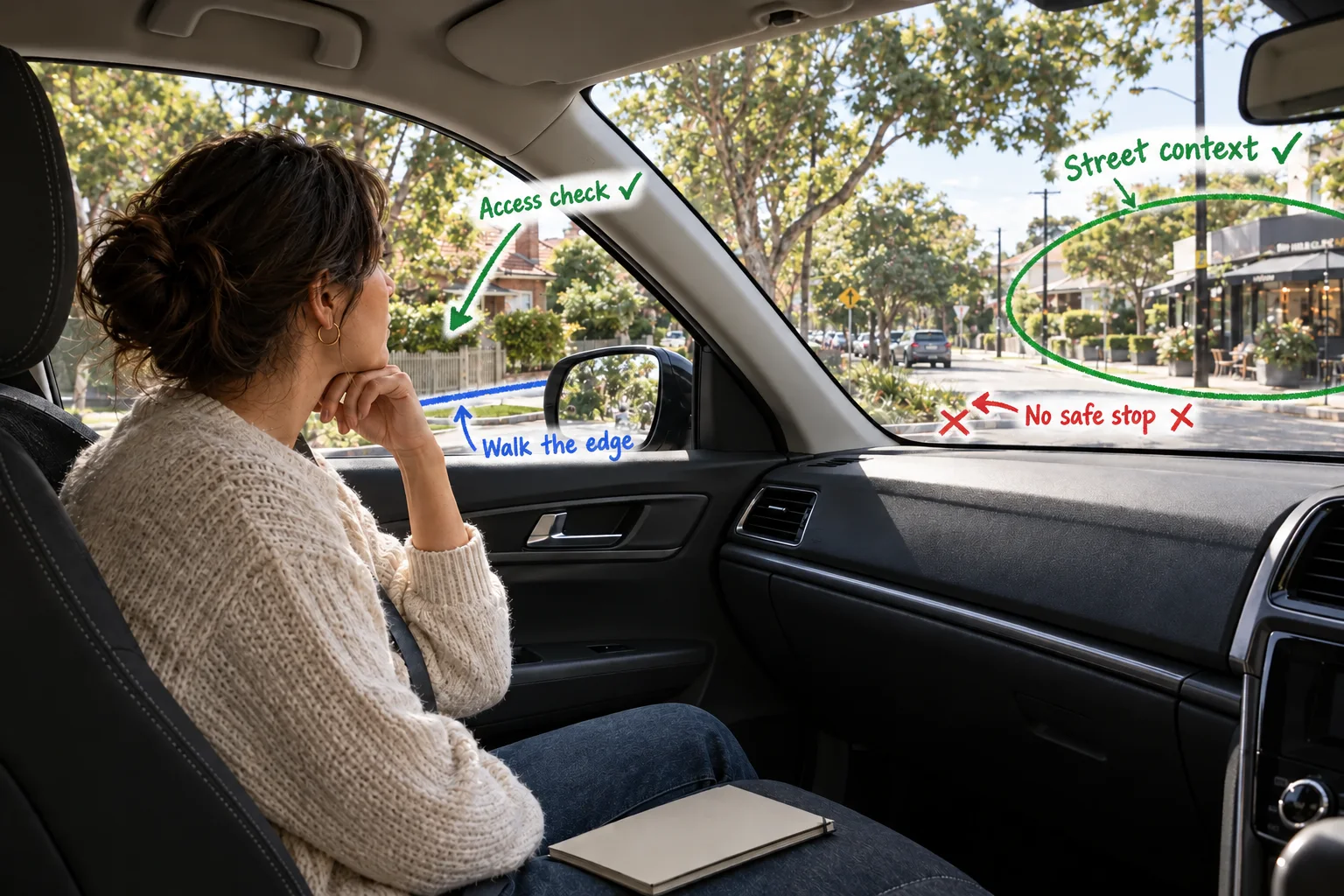
Drive Mode context
The decision problem
A visit reveals details a listing and map cannot
A drive-by or walk-through can change how you understand traffic, noise, access, street exposure, and the feel of an area.
The useful step is connecting that observation back to the location questions you already care about without confusing an impression with a computed result.
Drive Mode
Review the profile and location questions before leaving for the area.
Use the supported Drive Mode experience only when stationary and safe to do so.
Record the on-the-ground impression as another input, not as a replacement for the spatial model or due diligence.
The Kaveat way
Turn the location question into a repeatable workflow
Define what matters, inspect the spatial result, and carry the same reasoning into the next supported step.
The intended route is Drive Mode. It shows where this use case begins, not a promise that every adjacent capability is available here.
Trust the inputs
Make the reasoning clear
Kaveat keeps the inputs behind a location result in view. Use that evidence to decide what to investigate next, then add the checks the property or situation requires.
The decision this workflow exposes
A visit can add a field impression to the same location question without being confused with the computed spatial result.
- Inputs stay visible
- The model can be revisited
- Further checks remain yours
The boundary
Use the model as evidence, not a verdict
Kaveat should help you ask a better location question, not make the final decision for you.
This workflow must not encourage phone interaction while driving. Publish only after Drive Mode stability, safety guidance, and device behaviour are verified.
Should I use this while driving?
No. Do not interact with a device while driving. Any Drive Mode workflow must be used safely and in accordance with local law.
Does a drive-by confirm the property is right?
No. It adds a personal observation to the research process and does not replace inspections or professional checks.
Context and sources
Queensland Government: Driving and mobile phonesReady to capture your location needs?
Define and score every location, everywhere that's important to you.