
See every address through the same location brief
Bring a saved Kaveat profile into Comparo and review how each shortlisted address fits the active model.
Keep the inputs and limits available for inspection as the shortlist changes.
Comparo context
The decision problem
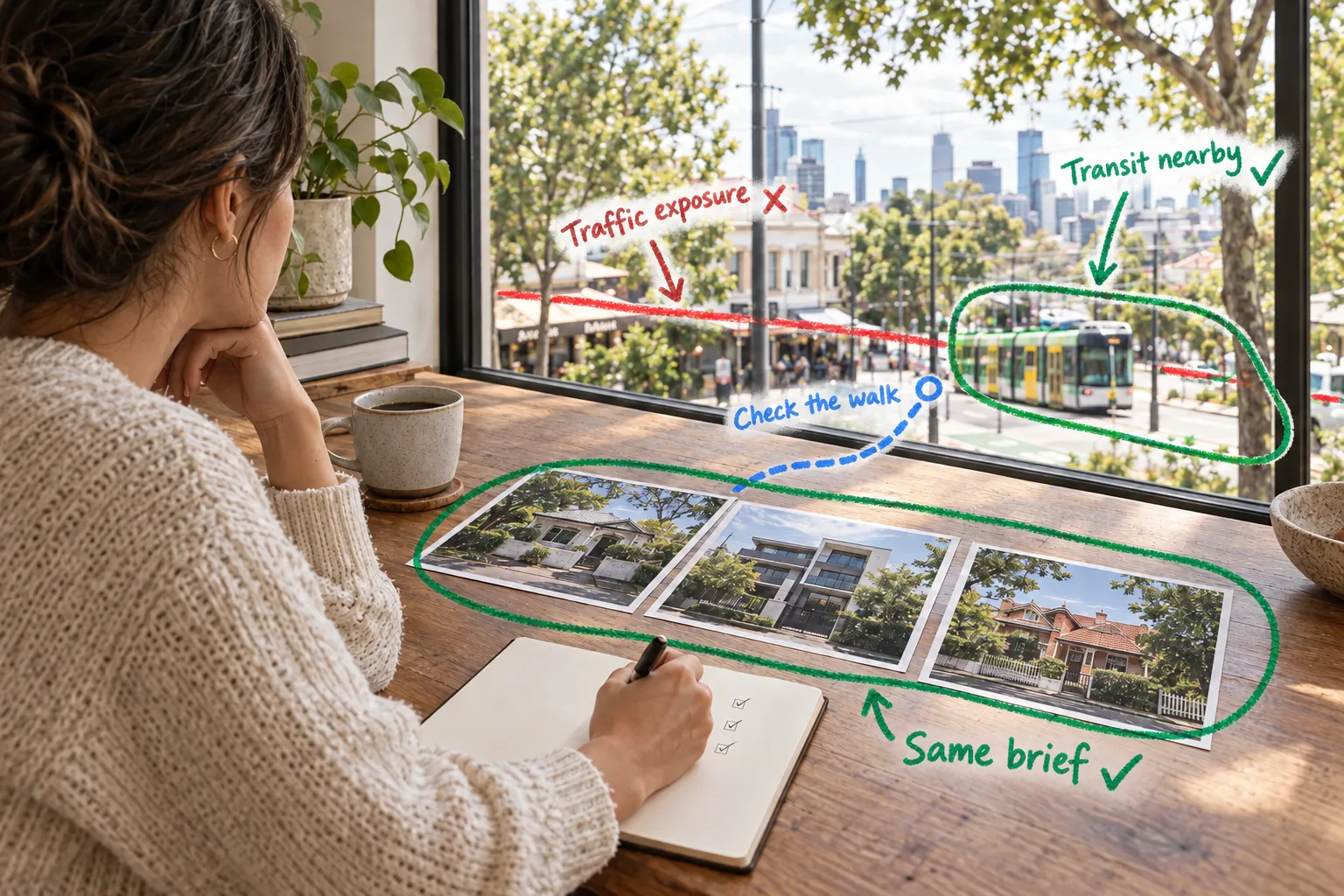
A shortlist can hide inconsistent reasoning
One address may be judged on transport, another on school access, and a third on a remembered impression from a previous visit.
Comparo keeps the active profile and candidate addresses together so the location comparison starts from the same questions.
Comparo
Select the saved profile that represents the current decision.
Add candidate addresses and let Comparo organise the same location questions for each one.
Inspect the result, inputs, and limitations before deciding what deserves deeper research.
The Kaveat way
Turn the location question into a repeatable workflow
Define what matters, inspect the spatial result, and carry the same reasoning into the next supported step.
The intended route is Comparo. It shows where this use case begins, not a promise that every adjacent capability is available here.
Trust the inputs
Make the reasoning clear
Kaveat keeps the inputs behind a location result in view. Use that evidence to decide what to investigate next, then add the checks the property or situation requires.
The decision this workflow exposes
Several addresses can be reviewed against the same saved profile while the inputs, result, and limitations remain close to the comparison.
- Inputs stay visible
- The model can be revisited
- Further checks remain yours
The boundary
Use the model as evidence, not a verdict
Kaveat should help you ask a better location question, not make the final decision for you.
A Kaveat Score is not a valuation, investment prediction, or bid-success guarantee. It is one location-research input among the factors you should consider.
What if the addresses are in different suburbs?
The comparison is tied to the profile and address inputs, not to requiring one suburb label. Inspect the underlying result and source limitations for each address.
Does a higher score mean I should buy?
No. Use the comparison to structure location research, then continue with independent property, financial, legal, and inspection checks.
Context and sources
Consumer Affairs Victoria: Due diligence checklistReady to capture your location needs?
Define and score every location, everywhere that's important to you.